Dear Martin,
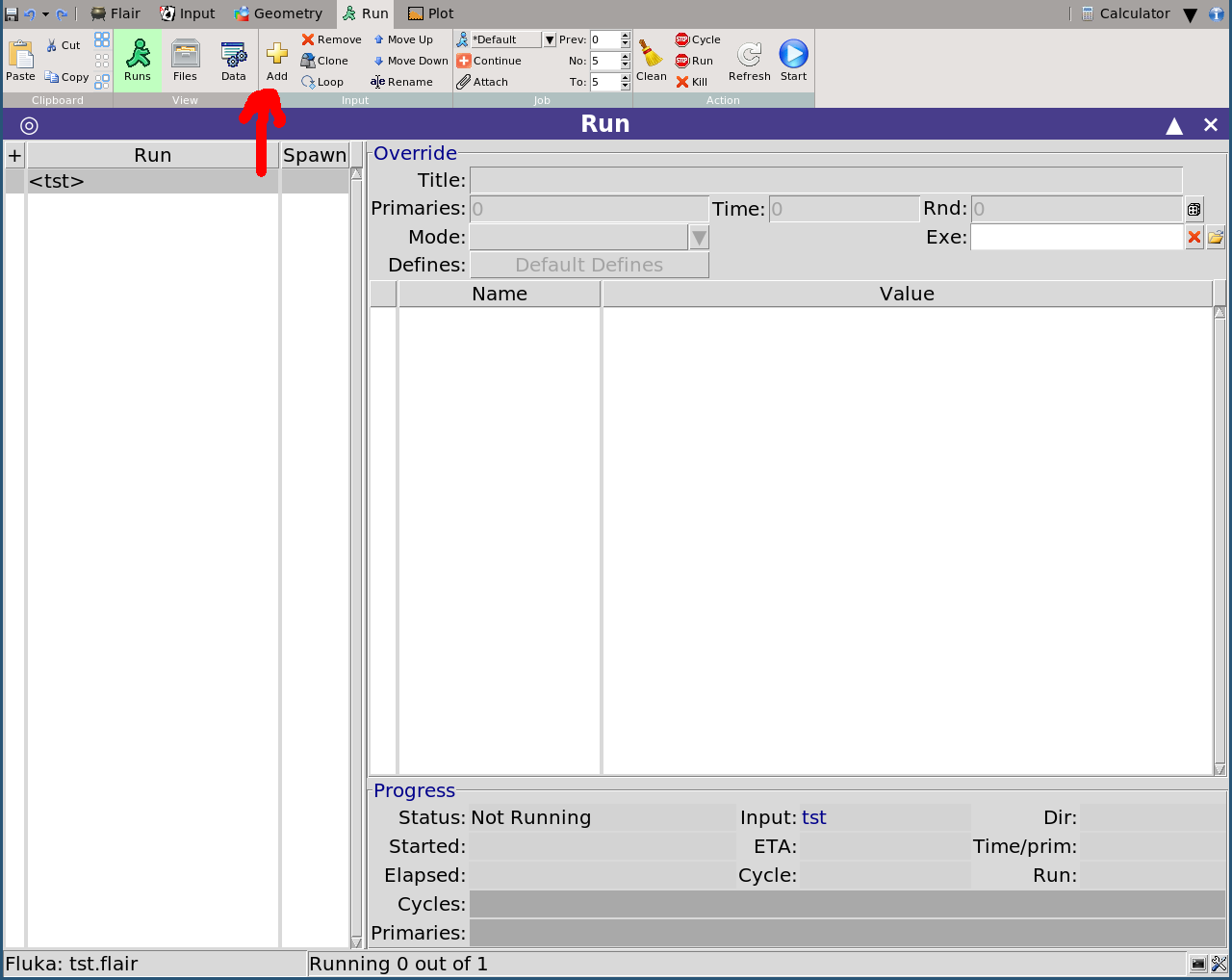
Once you’ve set up your input file, go to the Run tab and click “add” to add a new run:
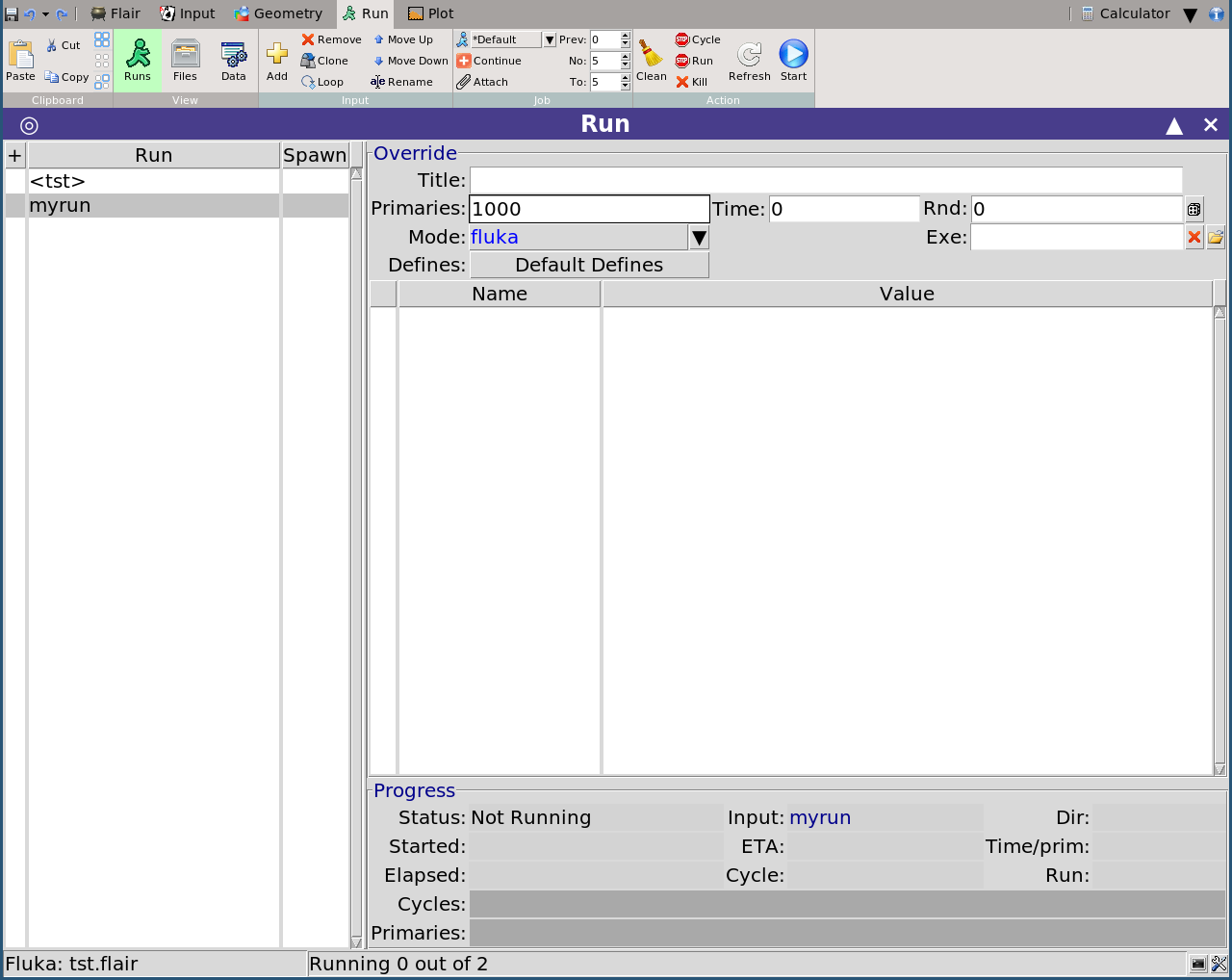
Give it the name e.g. “myrun”. Select the number of cycles (e.g. 5) and primaries (e.g. 1000):
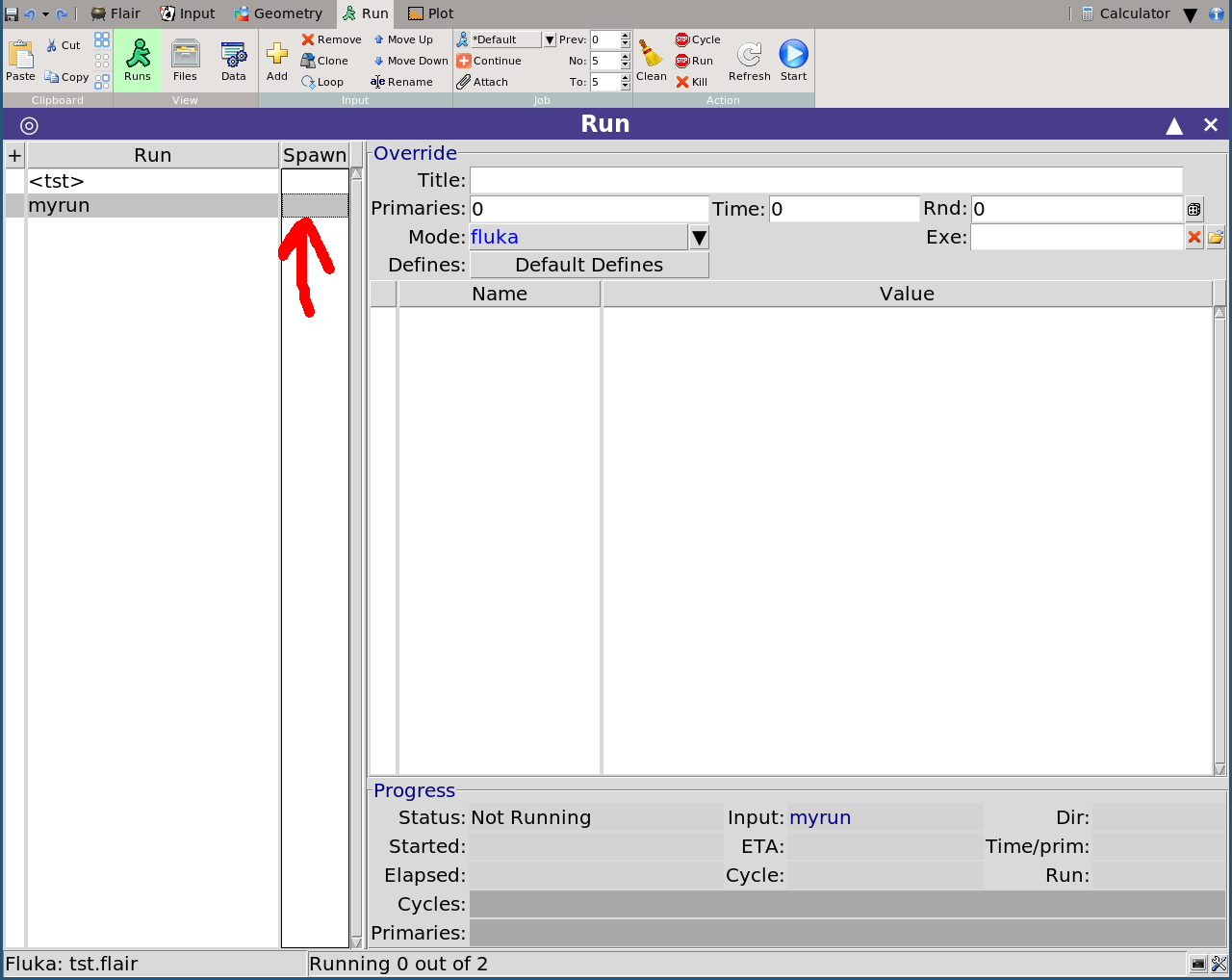
Then click on the grey rectangle in column “Spawn”:
…and proceed to enter the number of CPUs at your disposal, for the sake of argument 8. If you then click on the “+” symbol next to “myrun” you’ll see a list unfold with the 8 prepared input files that will run concurrently:
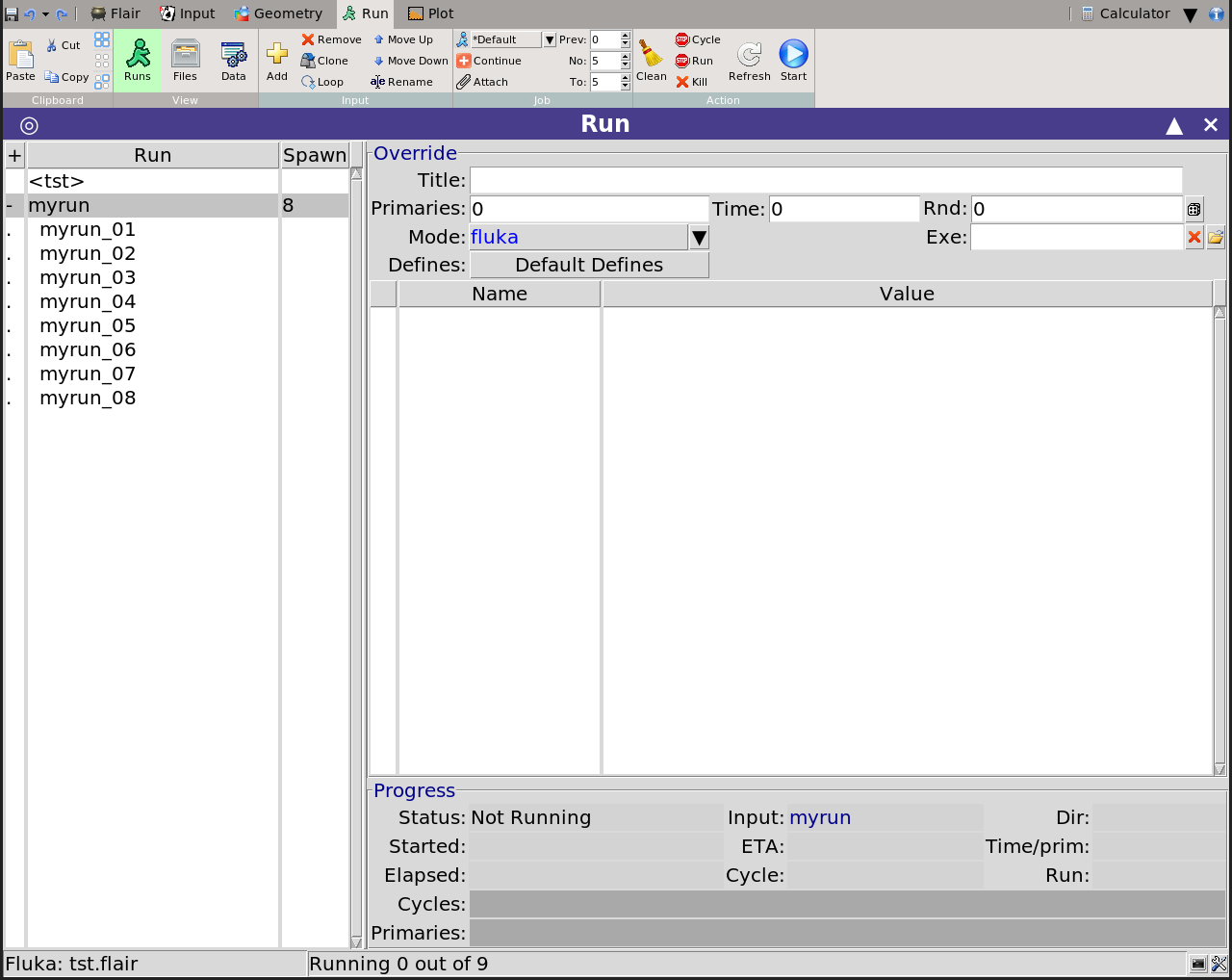
Flair takes care to set different random seeds for each of the 8 spawned cases.
Keeping the top level “myrun” selected as in the screenshot, you can click the “Start” button. You should see that, for each cycle, 8 concurrent runs are happily running in independent threads. The processing stage should take care to merge all 5 cycles (each with its respective 8 contributions).
Hopefully this (or a minor variation thereof) helps!
Cheers,
Cesc