Dear Fluka users,
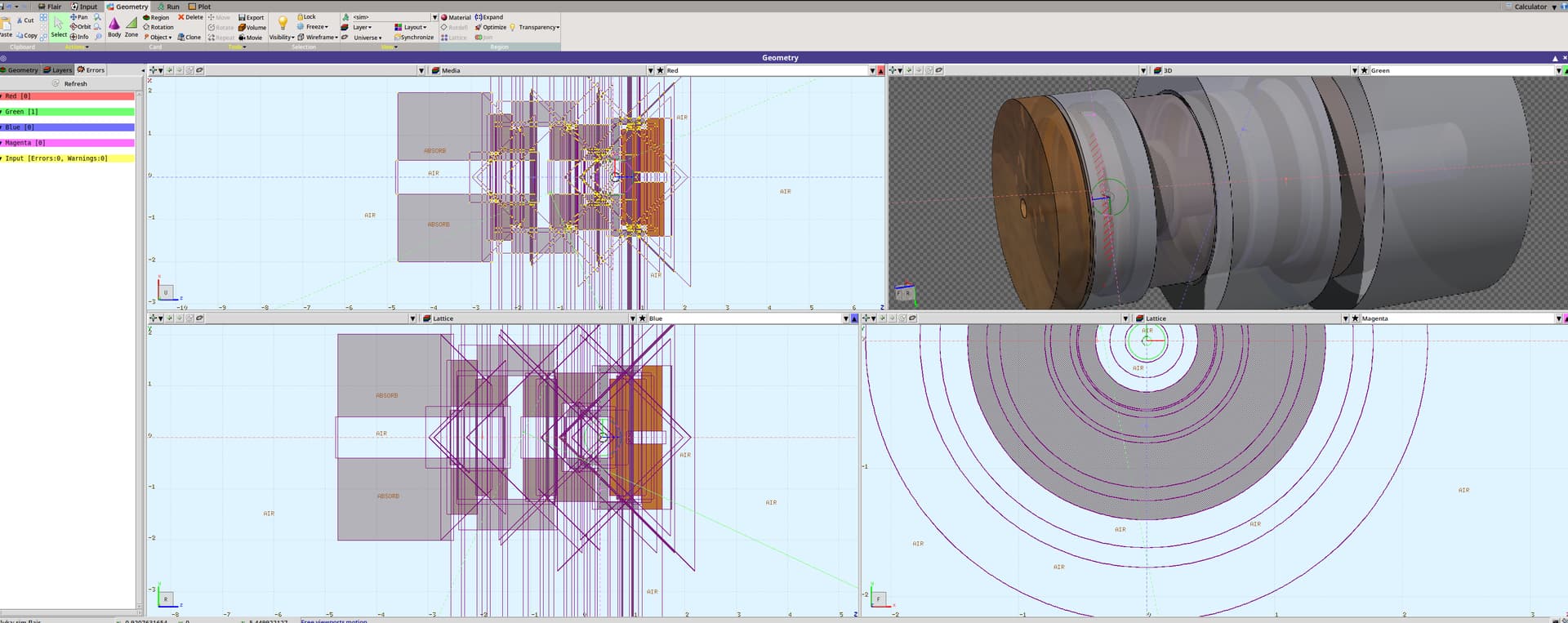
While creating a cyclotron target assembly, I encountered a geometry-related error that is only visible on the green 3D layer. There are actually two errors in different places of the assembly that are visible from different perspectives.
The first error is located somewhere in the rear part, with respect to the beam:
The second appears in the middle:
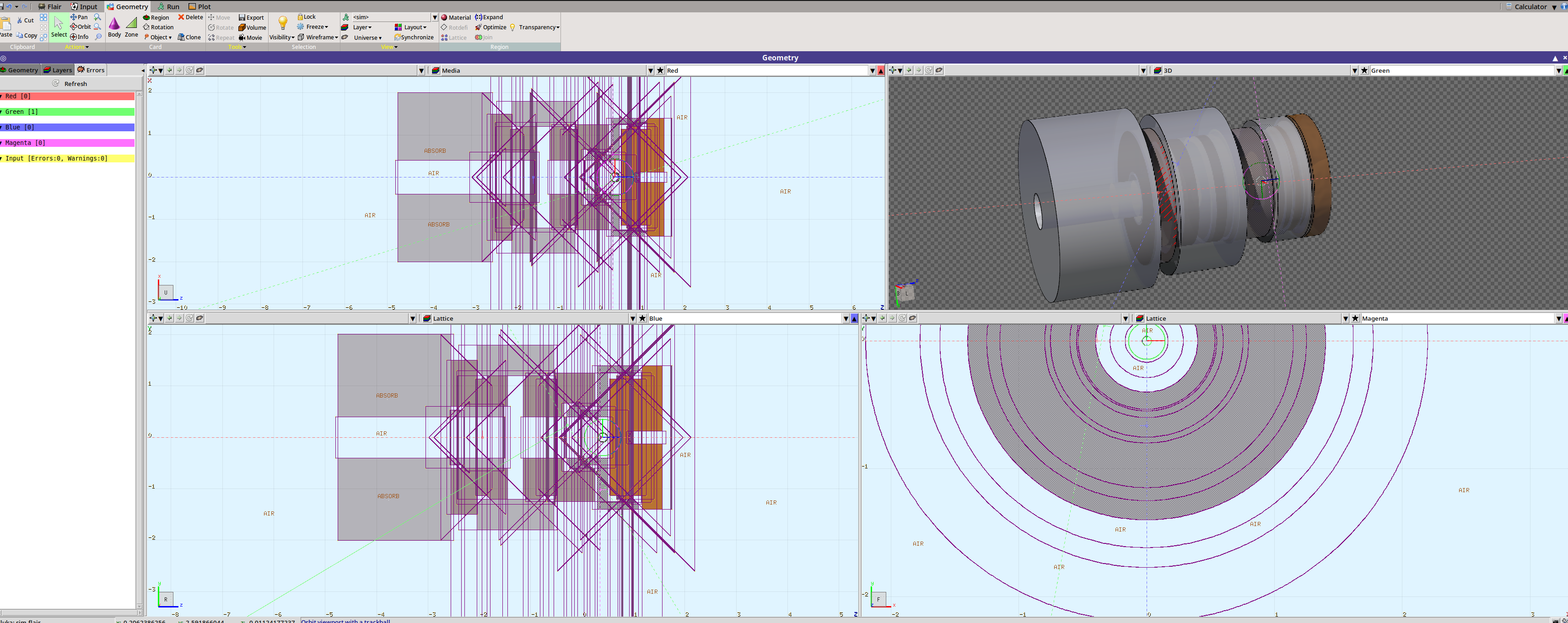
The biggest problem is that I cannot see these errors in other layouts, so I cannot fix them. The assembly has axial symmetry along the z-axis, so theoretically, I should see the errors in the xz- and yz-projections as well. I tried to move the magenta viewport line along the z-axis to catch the errors on the xy-slice, but I didn’t find anything. So, I don’t understand where the errors come from or what causes them. I checked all the zones near the problematic areas in hopes of finding overlaps, but everything seems fine. Also, it seems that the .err files don’t contain errors, and the simulation runs without any problems.
How can I find and fix the errors?
Cheers,
Ihor
Input files
sim.flair (9.6 KB)
sim.inp (7.9 KB)
Versions
FLUKA: 4-5.1
Flair: 3.4-3