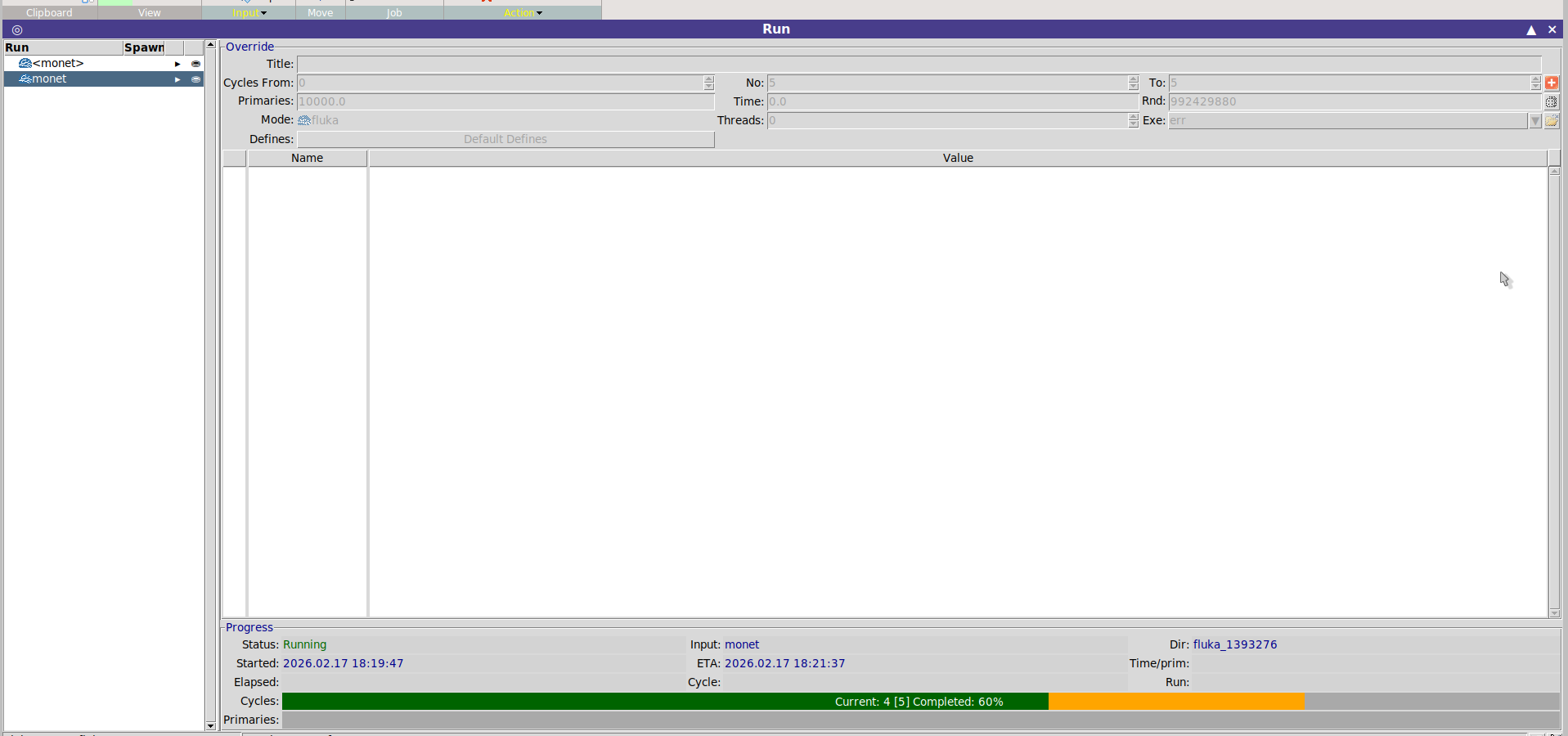
Sorry to disturb but even after fixing these the error persists, I attach the out file and err file. It is basically saying there is a small error (which I cannot see neither in the geoviewer nor elsewhere)…but it aborts when there are multiple calls for the same error. Is there any way to run this and avoid such issues? I attach the input. If I try to optimise all regions the location of the offending plane/point changes but then the run still stops after completing 5 cycles. I have also tried copying the x y z of one plane into the nearest one without success…
Sometimes by zooming in maybe 100 times, a white region is found which I think is just an artifact from the small scale. Is there any point of increasing the accuracy parameter?
I attach a post related to another question on forum. See log and err files. They are basically saying there is a small error (which I cannot see neither in the geoviewer nor elsewhere)…but it aborts when there are multiple calls for the same error. Is there any way to run this and avoid such issues? I attach the input. If I try to optimise all regions the location of the offending plane/point changes but then the run still stops after completing 5 cycles. I have also tried copying the x y z of one plane into the nearest one without success…
Sometimes by zooming in maybe 100 times, a white region is found which I think is just an artifact from the small scale. Is there any point of increasing the accuracy parameter?
Increasing the accuracy parameter is only a temporary fix that masks the underlying issue. As previously discussed in other threads, this approach can become problematic, especially in the case of detailed geometries: Geometry Errors with Lattices - #2
In your .err file, you can identify where most particles are encountering problems. I would recommend starting the debugging process from there.
Another possible source of issues could be touching bodies (e.g., coincident planes), although a definitive answer cannot be provided a priori. Occasionally, some spurious geometry precision errors may appear, but the code is able to recover from them.
Thanks! I believe I’ve solved it by setting the NY of several PLA to 0 instead of 1E-17 and by coinciding several planes. It can run on both Flair3.4/Fluka4.5.1 and on Flair2.3/Fluka2025.1. However on a cluster it still fails with segmentation fault (“Seed file not accepted: or corrupted…” and “2 Segmentation fault (core dumped) ${EXE} 2> $LOGF > $LOGF fluka run”).
I attach my final input if ever you want to check. Thanks!
Unfortunately I am not able to reproduce your error. Possibly the answer is in the logfile, or in the configuration of your cluster. If you are unable to fix this issue, please open a new thread with all the relevant files.