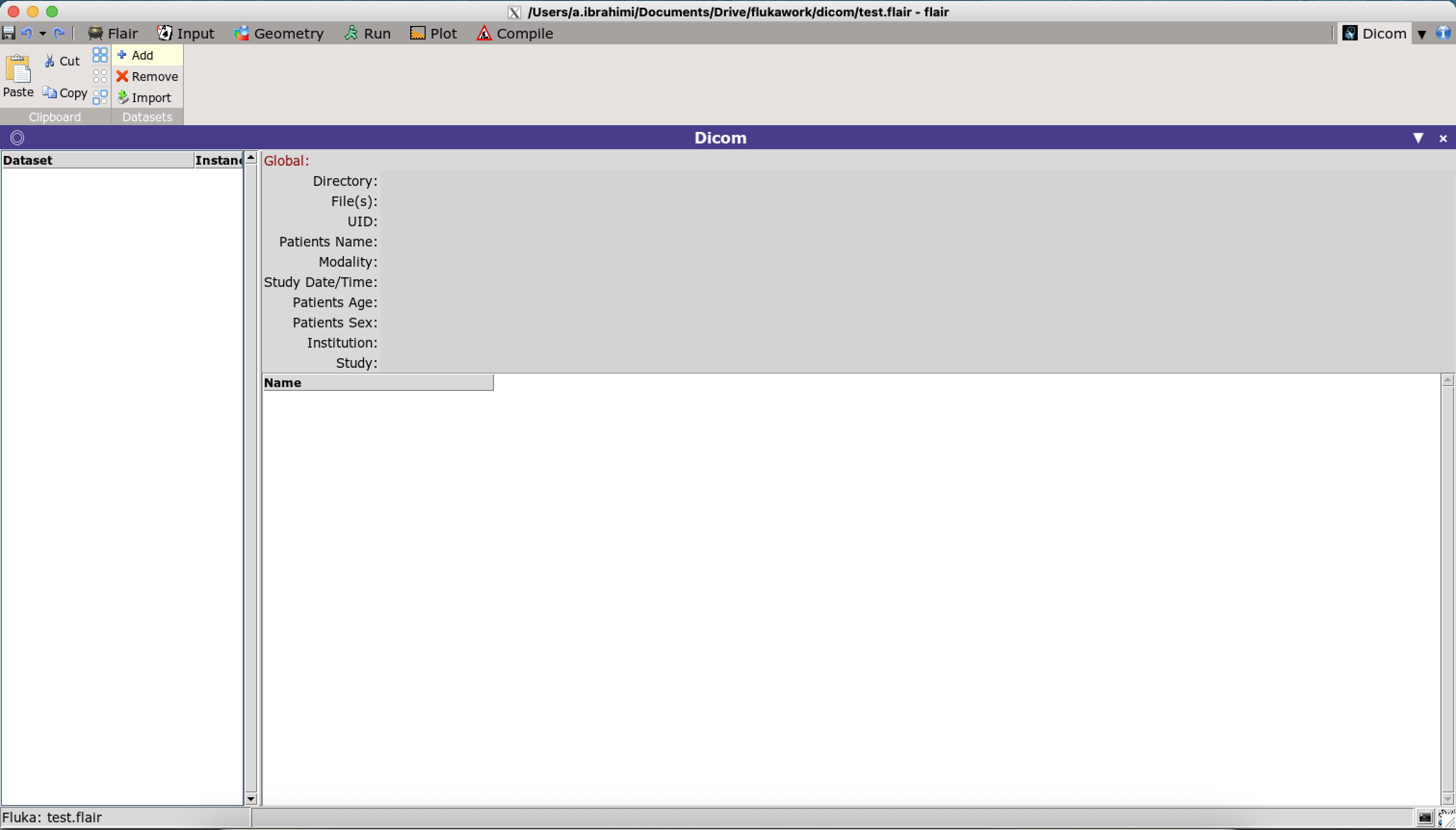
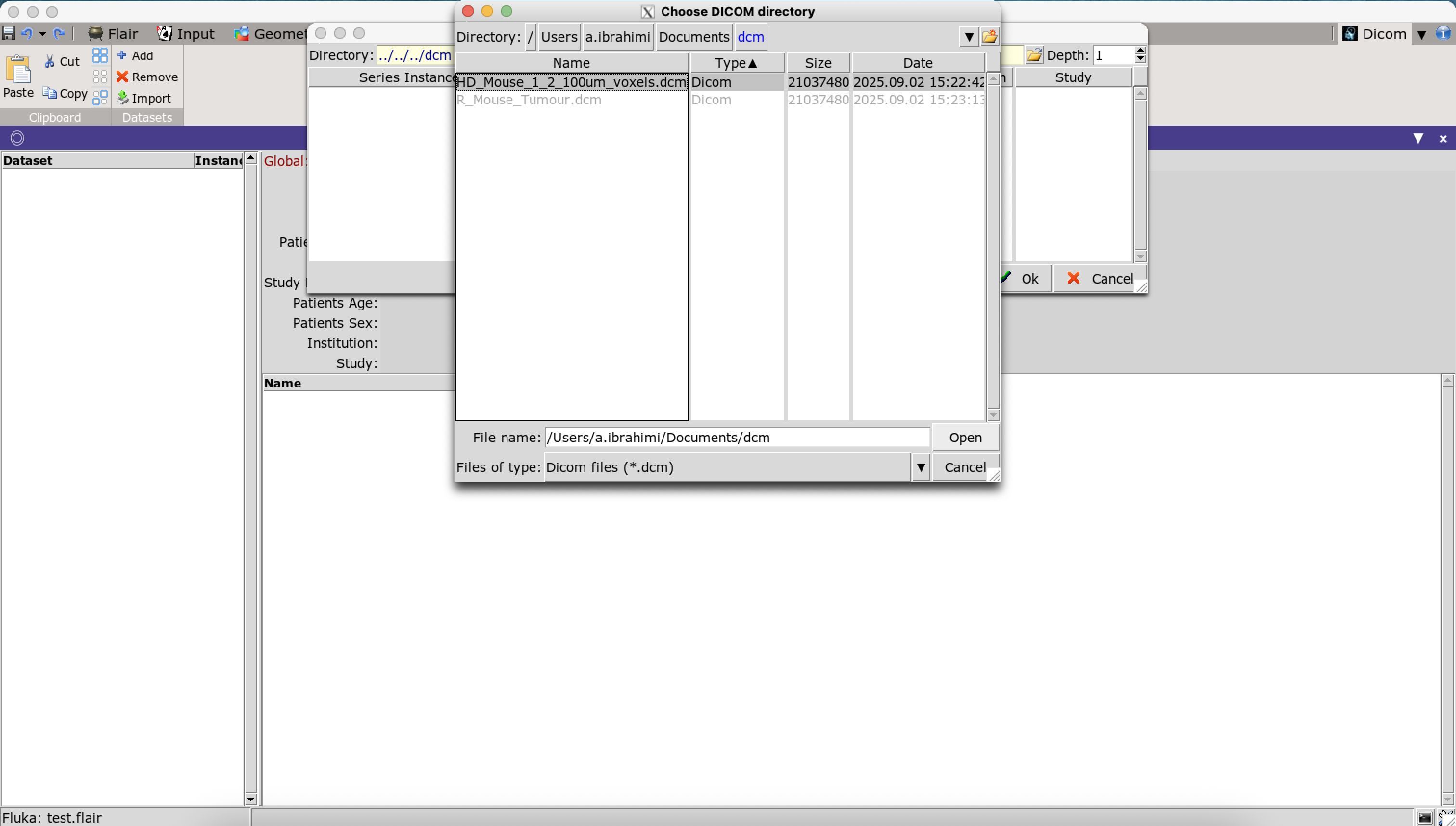
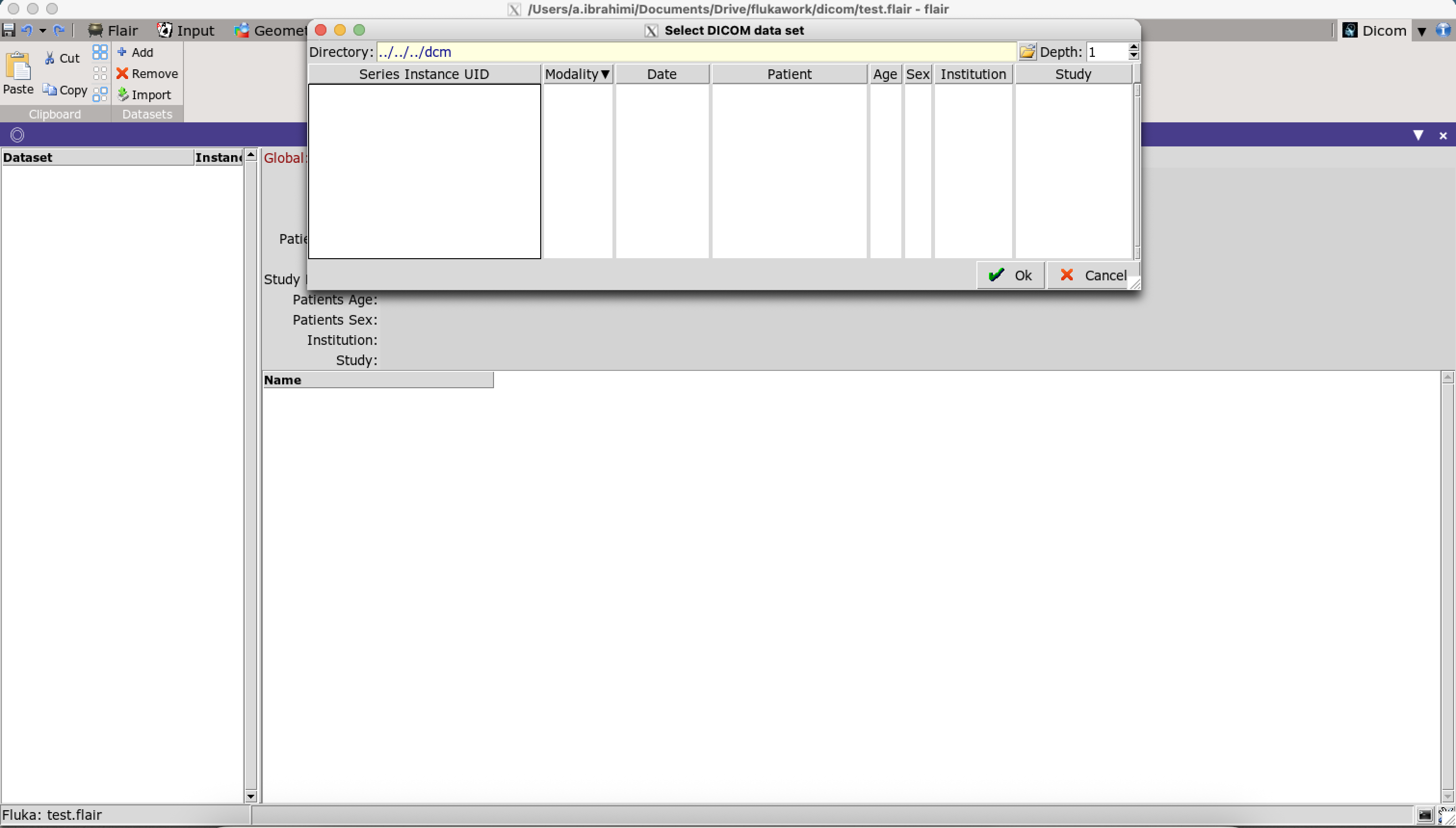
I’m trying to import a DICOM in flair. I can go to the DICOM tab and do not get any errors. However when I click “Add” and select the directory, in the next step the list of dicom data sets is empty. Additionally, the tiles such as DICOM, Slice, and Information are missing from my window. I have pydicom installed on my system. Has anyone else encountered this issue or knows how to resolve it?
I wanted to ask if your issue has been resolved?(@a.ibrahimi)
I’m facing a similar problem — the DICOM file I select is loaded successfully, and the 3D image is generated, but there seems to be no option available for the voxel section.
I tried following the FLUKA user manual, but the instructions and screenshots there seem to differ from the latest version of the software.
If you know any source or tutorial that explains how to perform dosimetry on a specific organ (for example, a hand or lung) using CT or MRI images from the very beginning, I would really appreciate it.