Unstructured mesh conversion

Dear FLUKA experts,

I am using the FLUKA_mesh_fix.py to convert a CAD drawing (a vacuum chamber) to an unstructured mesh, and I encounter the following error during 3D meshing:

Found two exactly self-intersecting facets (dihedral angle 0.00000E+00)
1st: [30191, 30225, 30189]
2nd: [30191, 30225, 30192]
Error: Invalid boundary mesh (overlapping facets)
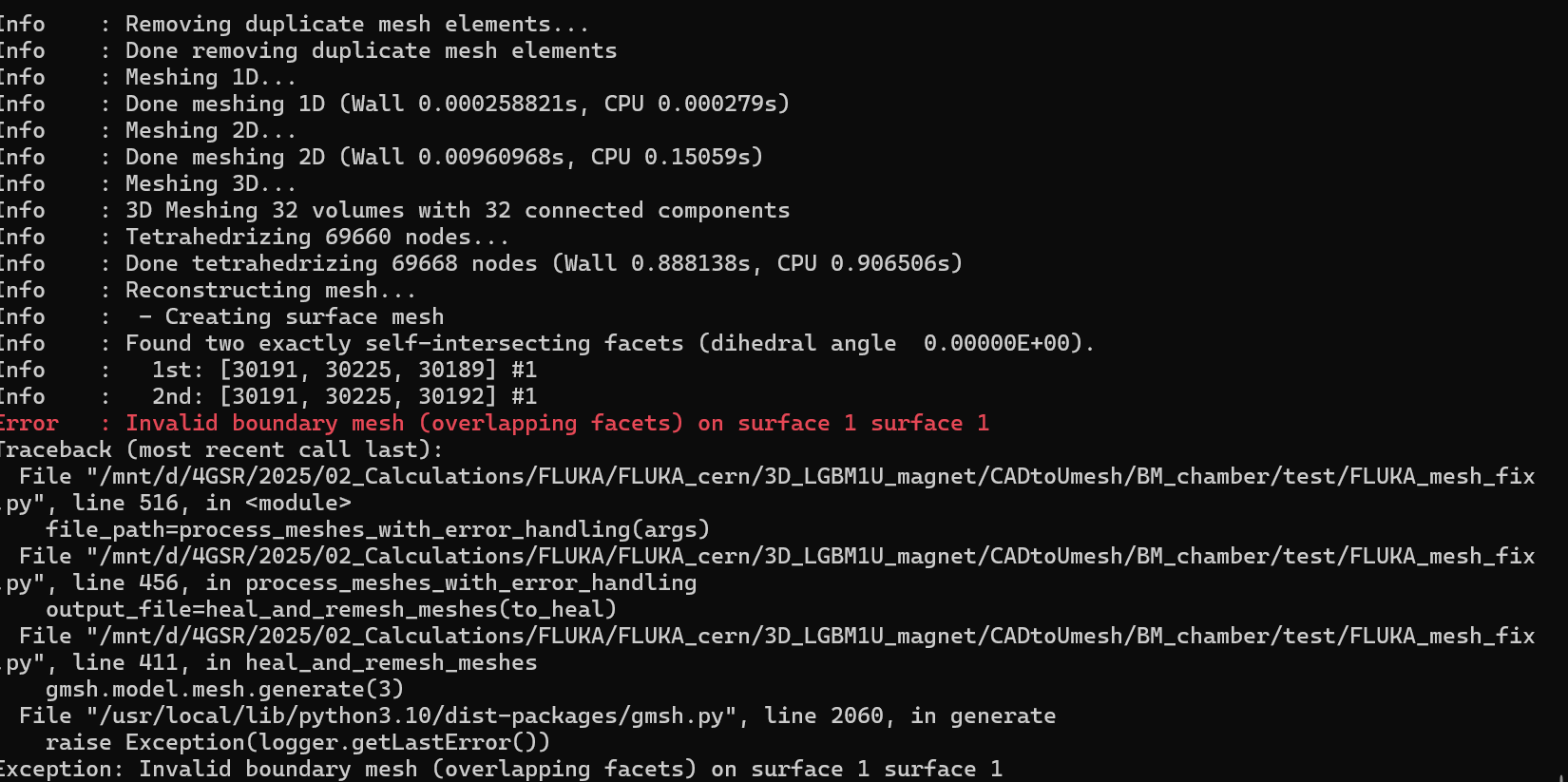
So it seems two coplanar triangles overlap (sharing an edge).

I have already tried:

  • using the script’s healing options (--fix , --adapt )

But the error persists and I am not very familiar with 3D software, such as AutoCAD inventor to easily modify the drawing!

I have attached my .step file and the error I got on the terminal.

I would be grateful for any comments to solve this issue.

test.zip (4.1 MB)

Thanks in advance,
Mahdi
Dear Mahdi,

Your geometry doesn’t contain any overlaps itself, which is already good, but it is quite complex and must be simplified.

For such cases, I recommend using the .3mf format as the most robust.
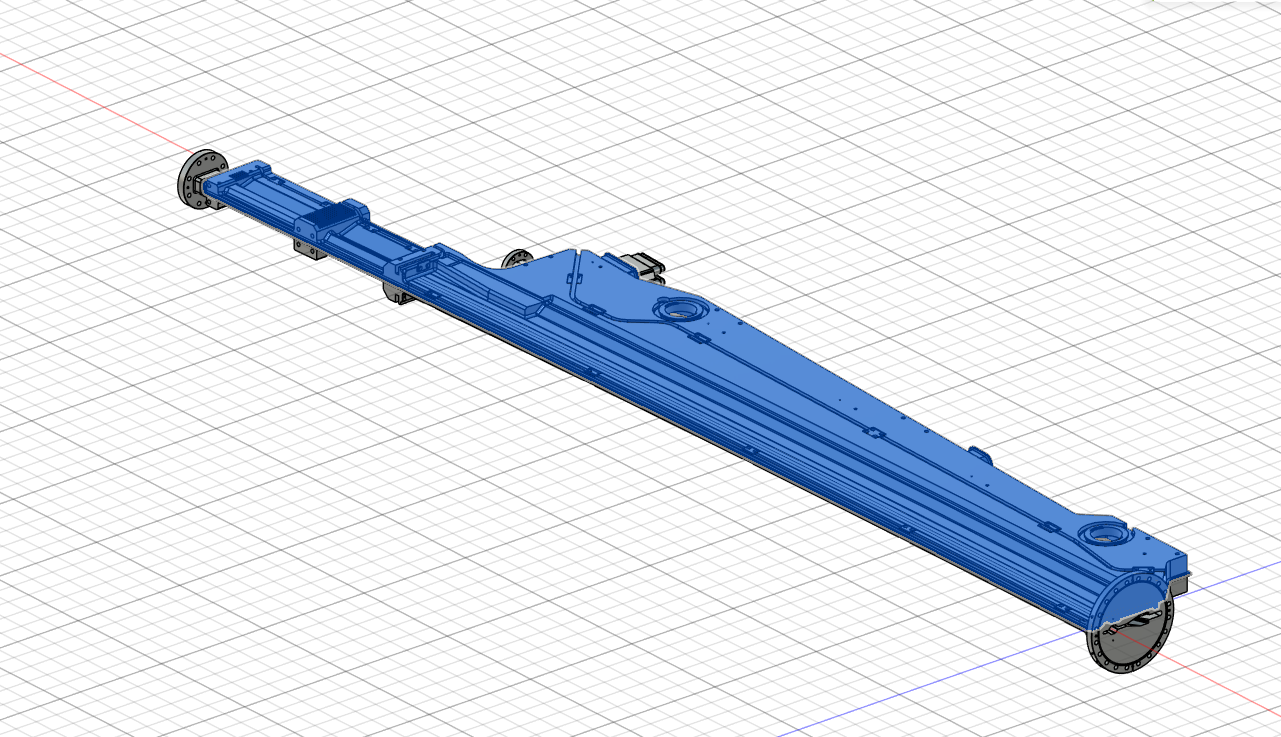
Also, trying to mesh the large part shown below as a single piece is always troublesome for meshing tools; it should be split into smaller parts. Otherwise, the mesh size for each surface must be specified separately using more advanced tools such as Ansys/Cubit:
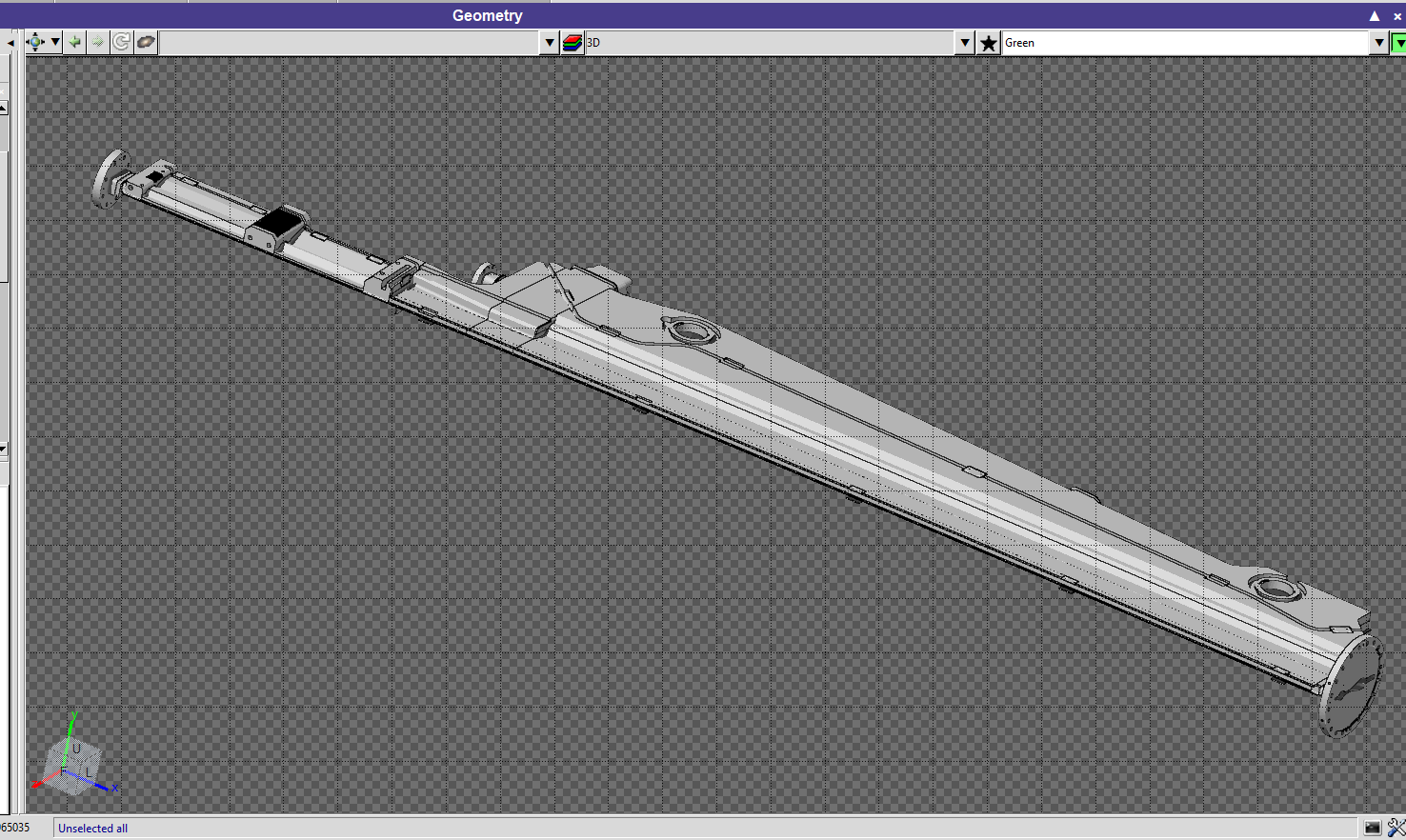
Single part in your geometry:


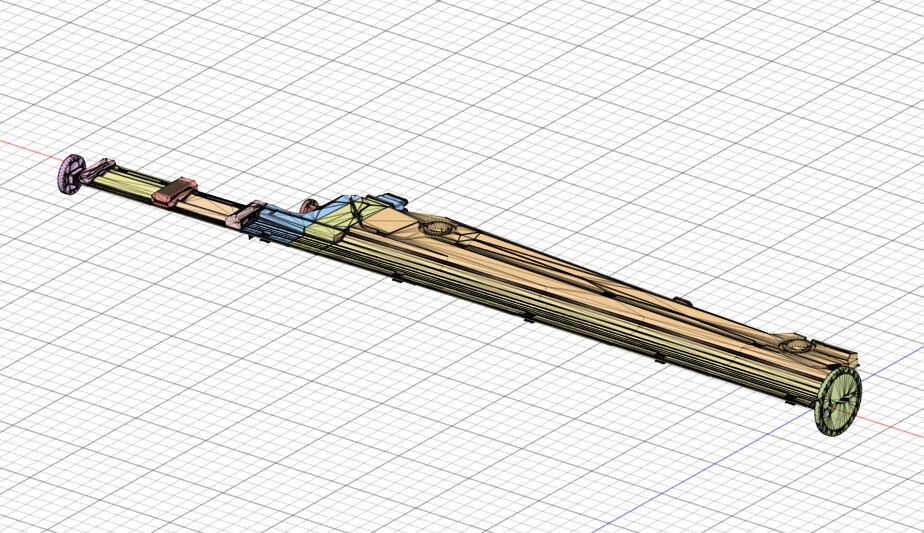
Example slicing from me:

Loaded in Flair after meshing:

Best regards,
Volodymyr

1 Like

Dear Volodymyr,

Thank you for your helpful suggestion.

I converted my .step file to .3mf , and the meshing process now works and generates the mesh file.

However, I am facing another issue:

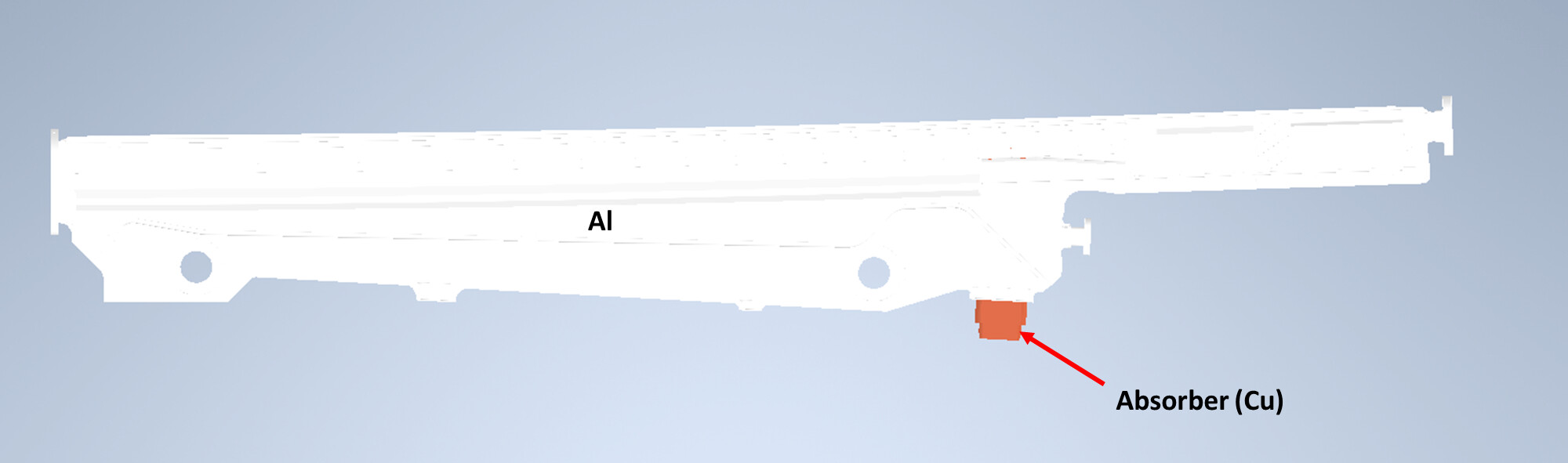
The original geometry consists of two materials:

  • an aluminium vacuum chamber
  • a copper photon absorber

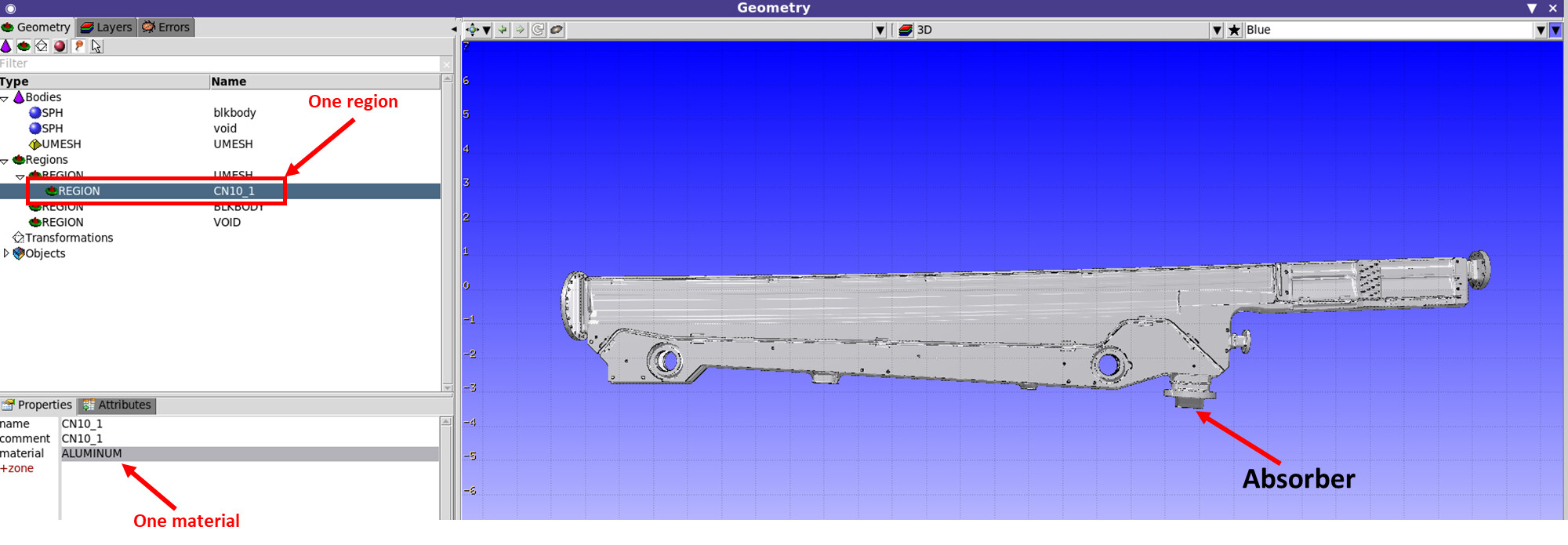
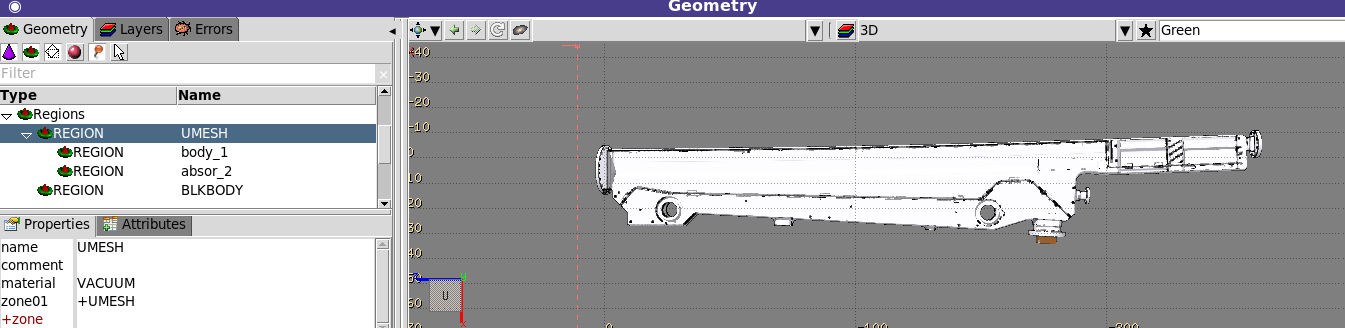
After meshing, the whole geometry is converted into a single mesh (region) so that I cannot define the materials individually in FLUKA:

If I instead convert the chamber and absorber separately and import them as two UMESH geometries, I encounter overlapping geometry (double definition) errors in FLUKA.

What is the recommended way to preserve multiple regions (materials) when converting such geometries for use with the FLUKA meshing workflow?

Any advice would be greatly appreciated.

Thanks.
Mahdi

Dear @mahdi,

The problem is due to the CAD software or export settings that were used for conversion to .3mf. The issue was mentioned before: Regions for Umesh meshing

For example, FreeCAD exports it as a single solid and Autodesk Fusion or SolidWorks can export in multibody format.

Currently, it’s not possible to combine multiple overlapping UMESHes, unless you free the space for the second one with a Boolean operation, as was shown in an example from the Advanced course.

Alternatively, you can check my latest version (27.2 KB) of the script (requires the last MeshLib version),
It allows for the production of meshes that can be merged via the --comb argument.


# First model

python FLUKA_mesh_fix.py vessel.step --reg steel

# mesh_log.txt prints: Number of nodes, elements and regions(volumes): [12450,40210,3]

Second model, prepared to be appended after the first one

Use the next free node, element and volume IDs, i.e. add +1 to each value above

python FLUKA_mesh_fix.py coolant.step --reg water --comb [12451,40211,4]

In this case, the first export will contain parts such as steel_1, steel_2, steel_3, while the second export will start from the next volume index and produce parts such as water_4, water_5, … . This is useful when you want to concatenate multiple generated .abaq files into one larger model.

Best regards,
Volodymyr

2 Likes

Dear Volodymyr ,

Thank you so much for your useful comment.
Concatinating multiple generated .abaq files was the thing I was looking for!

I could concatinate two parts succesfully and I could defnine defferent materials in FLUKA.

Just what I was not able to do was changing the slicing as you did (Shown below).
I think I would face the Error: Invalid boundary mesh (overlapping facets) in my future conversion in compex geometries.

May ask the instruction and software that you used for slicing?

Thank you.
Mahdi

Dear @mahdi ,

Glad to see that it worked for you!

I made slicing using Autodesk Fusion with an Educational license.

At the end, if you are satisfied with your current setup, it’s preferable.

Slicing (Splitting) is needed only for meshing process and increases number of regions. So use it only when strictly necessary.

Cheers,
Volodymyr

1 Like