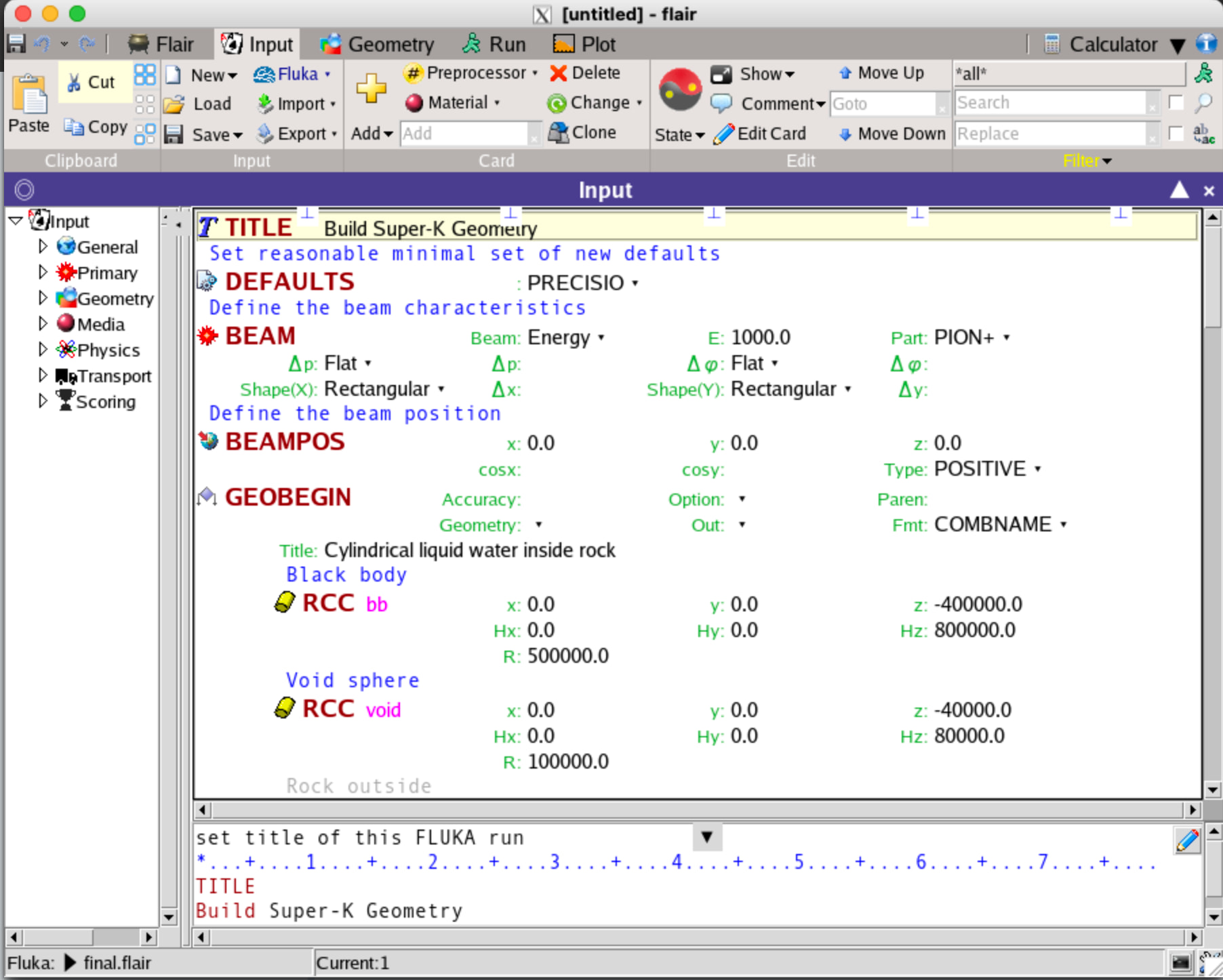
Dear @luillo ,
I reply to this thread since I am encountering a very similar error as the one of @HeileyWong .
/Users/Matteo/FLUKA/flair-3.4/flair: line 18: 15663 Bus error: 10 ${PYTHON} -O -W ignore ${DIR}/flair.py "$@"
This error appears “semi-randomly” and it’s 100% reproducible all the times but almost half of the times I’m clicking to the INPUT tab from the GEOMETRY one and viceversa.
Another weird thing that is happening to me is related to geo-viewer; instead of moving the camera around the model, it’s like I am dragging the viewports and the model around.
Anyway, I attached my outputs of the commands you requested.
pkgutil --pkg-info=com.apple.pkg.CLTools_Executables
package-id: com.apple.pkg.CLTools_Executables
version: 26.6.0.0.1781586589
volume: /
location: /
install-time: 1782721014
echo $PATH
/Users/Matteo/BDSIM/bdsim-install/bin/../bin:/Users/Matteo/GEANT4/install/bin:/opt/local/bin:/opt/local/sbin:/Users/Matteo/Library/Python/3.13/bin:/opt/homebrew/opt/qt@5/bin:/opt/homebrew/Cellar/root/6.40.02/bin:/Users/Matteo/FLUKA/fluka4-5.2/bin:/opt/homebrew/sbin:/opt/homebrew/bin:/opt/local/bin:/opt/local/sbin:/opt/local/bin:/opt/local/sbin:/opt/homebrew/Caskroom/miniforge/base/condabin:/Users/Matteo/BDSIM/bdsim-install/bin/../bin:/Users/Matteo/GEANT4/install/bin:/opt/local/bin:/opt/local/sbin:/Users/Matteo/Library/Python/3.13/bin:/opt/homebrew/opt/qt@5/bin:/Users/Matteo/FLUKA/fluka4-5.2/bin:/opt/homebrew/sbin:/opt/homebrew/bin:/opt/homebrew/bin:/opt/homebrew/sbin:/usr/local/bin:/System/Cryptexes/App/usr/bin:/usr/bin:/bin:/usr/sbin:/sbin:/var/run/com.apple.security.cryptexd/codex.system/bootstrap/usr/local/bin:/var/run/com.apple.security.cryptexd/codex.system/bootstrap/usr/bin:/var/run/com.apple.security.cryptexd/codex.system/bootstrap/usr/appleinternal/bin:/pkg/env/global/bin:/Library/Apple/usr/bin:/Applications/VMware Fusion.app/Contents/Public:/usr/local/share/dotnet:~/.dotnet/tools:/Applications/iTerm.app/Contents/Resources/utilities:/Users/Matteo/.local/bin:/Users/Matteo/GEANT4/install/bin:/Users/Matteo/BDSIM/bdsim-install/bin:/Users/Matteo/Scripts:/Users/Matteo/GEANT4/install/bin:/Users/Matteo/BDSIM/bdsim-install/bin:/Users/Matteo/Scripts
gcc -v
Using built-in specs.
COLLECT_GCC=gcc
COLLECT_LTO_WRAPPER=/opt/local/libexec/gcc/aarch64-apple-darwin25/14.3.0/lto-wrapper
Target: aarch64-apple-darwin25
Configured with: /opt/local/var/macports/build/gcc14-d0edef85/work/gcc-14.3.0/configure --prefix=/opt/local --build=aarch64-apple-darwin25 --enable-languages=c,c++,objc,obj-c++,lto,fortran,m2,jit --libdir=/opt/local/lib/gcc14 --infodir=/opt/local/share/info --mandir=/opt/local/share/man --datarootdir=/opt/local/share/gcc-14 --with-local-prefix=/opt/local --with-system-zlib --disable-nls --program-suffix=-mp-14 --with-gxx-include-dir=/opt/local/include/gcc14/c++/ --with-gmp=/opt/local --with-mpfr=/opt/local --with-mpc=/opt/local --with-isl=/opt/local --with-zstd=/opt/local --enable-checking=release --disable-multilib --enable-lto --enable-libstdcxx-time --with-build-config=bootstrap-debug --with-as=/opt/local/bin/as --with-ld=/opt/local/bin/ld --with-ar=/opt/local/bin/ar --with-bugurl=https://trac.macports.org/newticket --enable-host-shared --with-darwin-extra-rpath=/opt/local/lib/libgcc --with-libiconv-prefix=/opt/local --disable-tls --with-gxx-libcxx-include-dir=/opt/local/libexec/gcc14/libc++/include/c++/v1 --with-pkgversion='MacPorts gcc14 14.3.0_0+stdlib_flag' --with-sysroot=/Library/Developer/CommandLineTools/SDKs/MacOSX26.sdk
Thread model: posix
Supported LTO compression algorithms: zlib zstd
gcc version 14.3.0 (MacPorts gcc14 14.3.0_0+stdlib_flag)
sudo port echo requested
gcc14                          @14.3.0_0+stdlib_flag
ghostscript                    @10.07.1_0+x11
gnuplot                        @6.0.4_0+aquaterm+luaterm+pangocairo+qt5+wxwidgets
pkgconfig                      @0.29.2_0
py313-pydicom                  @3.0.2_0
py313-scipy                    @1.18.0_1+accelerate+gfortran
py313-tkinter                  @3.13.14_1+quartz
tcl                            @8.6.18_0
tk                             @8.6.18_0+x11
xorg                           @20090316_0
xorg-server                    @1.20.11_1
xterm                          @406_0
 sudo port select --summary
Name       Selected   Options
====       ========   =======
clang      none       mp-clang-19 none
fonttools  none       fonttools-313 none
gcc        mp-gcc14   mp-gcc14 none
llvm       none       mp-llvm-19 mp-llvm-22 none
pip        pip313     none
pip3       pip313     none
python     python313  python313 python314 none
python3    python313  python313 python314 none
wxWidgets  none       wxWidgets-3.2 none
sudo port installed | grep -w tk
  tk @8.6.18_0+x11 (active)
Many thanks in advance for your help.
Cheers,
Matteo